 757173e0e2
Godot 4.4 introduces network mode, which by default sets to offline.
Some features are disabled on offline mode, including downloading export
templates. Newcomers to the engine that has no knowledge about the network
mode might be confused on why the Export Template Manager tells them that
they're offline, despite them having internet connection.

This commit introduces a message that tells the user that online mode is
required, and a link button that user can click to enable online mode from
the Export Template Manager popup UI. Some code changes also made to make
sure that the button and message only shows on official build only.

(cherry picked from commit 9cbfeff940)


Godot Engine

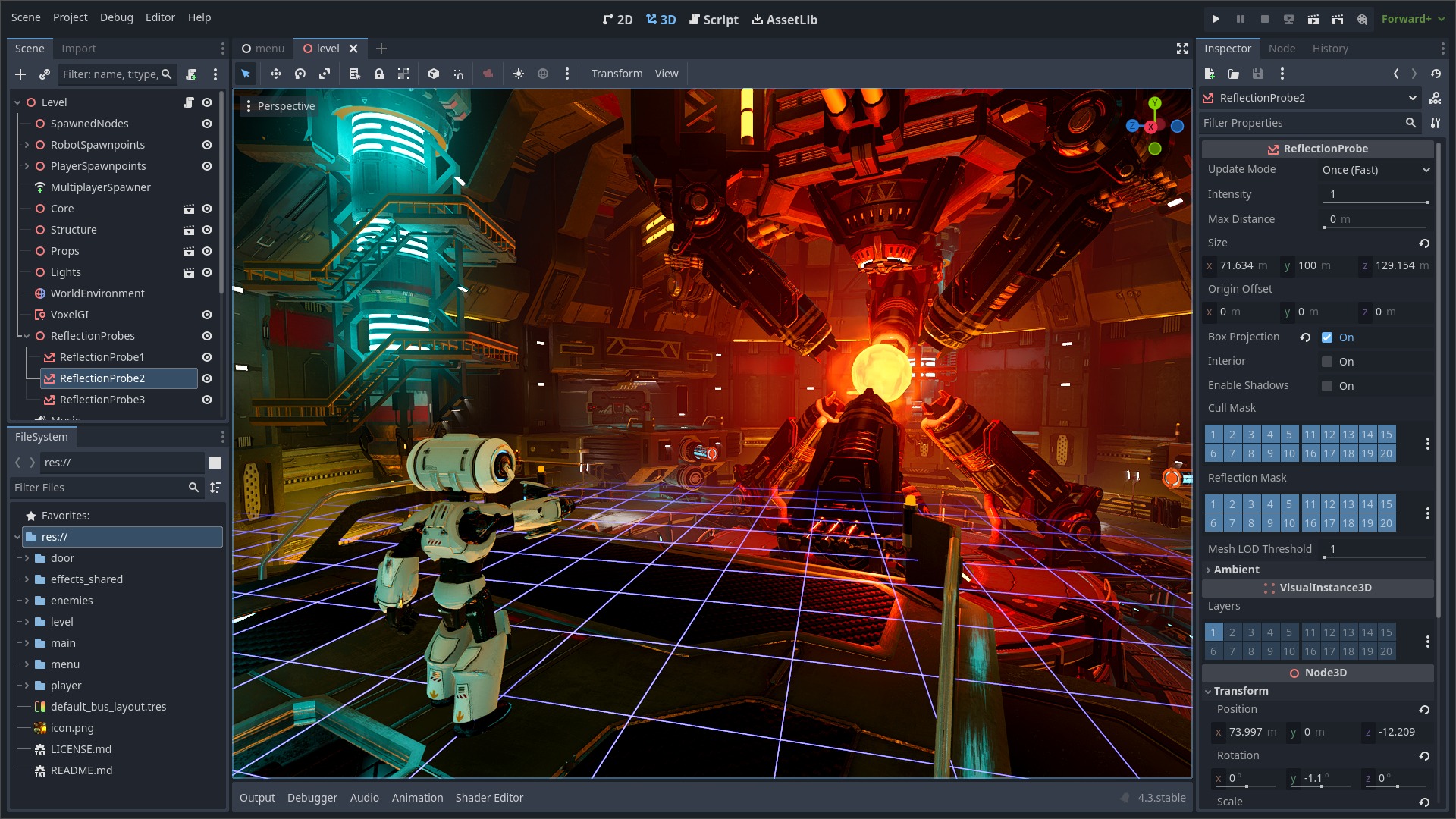
2D and 3D cross-platform game engine
Godot Engine is a feature-packed, cross-platform game engine to create 2D and 3D games from a unified interface. It provides a comprehensive set of common tools, so that users can focus on making games without having to reinvent the wheel. Games can be exported with one click to a number of platforms, including the major desktop platforms (Linux, macOS, Windows), mobile platforms (Android, iOS), as well as Web-based platforms and consoles.
Free, open source and community-driven
Godot is completely free and open source under the very permissive MIT license. No strings attached, no royalties, nothing. The users' games are theirs, down to the last line of engine code. Godot's development is fully independent and community-driven, empowering users to help shape their engine to match their expectations. It is supported by the Godot Foundation not-for-profit.
Before being open sourced in February 2014, Godot had been developed by Juan Linietsky and Ariel Manzur (both still maintaining the project) for several years as an in-house engine, used to publish several work-for-hire titles.
Getting the engine
Binary downloads
Official binaries for the Godot editor and the export templates can be found on the Godot website.
Compiling from source
See the official docs for compilation instructions for every supported platform.
Community and contributing
Godot is not only an engine but an ever-growing community of users and engine developers. The main community channels are listed on the homepage.
The best way to get in touch with the core engine developers is to join the Godot Contributors Chat.
To get started contributing to the project, see the contributing guide. This document also includes guidelines for reporting bugs.
Documentation and demos
The official documentation is hosted on Read the Docs. It is maintained by the Godot community in its own GitHub repository.
The class reference is also accessible from the Godot editor.
We also maintain official demos in their own GitHub repository as well as a list of awesome Godot community resources.
There are also a number of other learning resources provided by the community, such as text and video tutorials, demos, etc. Consult the community channels for more information.

