 8888f9e649
And anything that uses luminance.

The class Luminance in luminance.cpp is in charge of averaging the
luminance of all pixels.
It performs multiple passes until it reaches a 1x1 texture containing
the total average. This is standard luminance averaging on GPU.

Then the "result" of this frame and the "prev_frame_result" are averaged
together at a certain speed to mimic eye adaptation.

Then this avarege becomes the "source" for the next frame. This is done
here:

```cpp
SWAP(p_luminance_buffers->current,
p_luminance_buffers->reduce.write[p_luminance_buffers->reduce.size() -
1]);
```

So far pretty normal stuff.

**The problem is: prev_frame_result IS UNINITIALIZED**. Therefore it's
possible for prev_frame_result to contain garbage values like -5+e15
which causes the screen to stay black for a minute until eye adaptation
catches up.

Windows will always force allocations to be reset to 0, but Linux does
not do that.
However Windows just delays the bug; because it's possible for VMA to
reuse a block.

You can repro this bug by downloading Bistro, creating a camera,
selecting a default scene; and then launching Bistro.

Everything will work fine.
Until you decide to resize the window. It takes a few tries on Godot,
but eventually the screen becomes black.

If you wait around a minute, the screen will "unblack" itself back to
normal.

Even if it's not stuck in black after resize, you may notice that every
resize is inconsistent in how the eye adaptation catches up (i.e.
sometimes it flashes to white, sometimes it does not).

If you can't repro the bug, you need to try harder by doing arbitrary
resizes until it triggers.
Also, I advise to try this on Linux; since Windows' sanitization of
memory gets in the way.

There's probably multiple tickets already filled around issues that were
rooted in luminance calculations starting from uninitialized memory.

This PR sets a default value of 0, which causes the screen to always
flash white after resize. Setting a different value like 0.1 makes the
flash effect weaker. Setting it to a high value like 5.0 makes the
screen flash from dark instead.

This bug can be backported to 4.3. I don't know if it can be backported
to earlier; as the render graph makes sure the texture_clear() calls
gets issued in the right place; whereas in <= 4.2 it might be
problematic depending on when Luminance::LuminanceBuffers::configure is
being called.


Godot Engine

2D and 3D cross-platform game engine
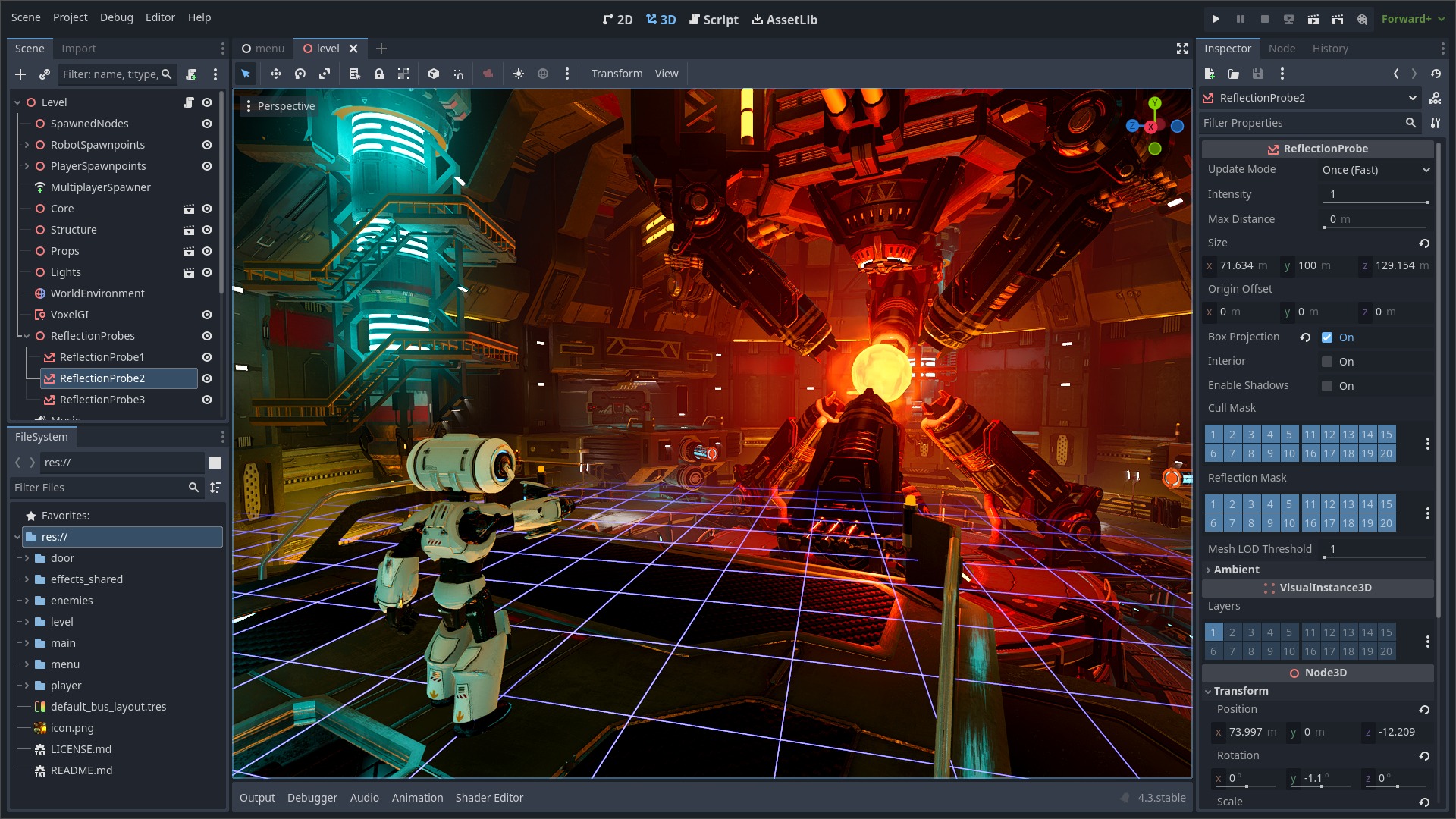
Godot Engine is a feature-packed, cross-platform game engine to create 2D and 3D games from a unified interface. It provides a comprehensive set of common tools, so that users can focus on making games without having to reinvent the wheel. Games can be exported with one click to a number of platforms, including the major desktop platforms (Linux, macOS, Windows), mobile platforms (Android, iOS), as well as Web-based platforms and consoles.
Free, open source and community-driven
Godot is completely free and open source under the very permissive MIT license. No strings attached, no royalties, nothing. The users' games are theirs, down to the last line of engine code. Godot's development is fully independent and community-driven, empowering users to help shape their engine to match their expectations. It is supported by the Godot Foundation not-for-profit.
Before being open sourced in February 2014, Godot had been developed by Juan Linietsky and Ariel Manzur (both still maintaining the project) for several years as an in-house engine, used to publish several work-for-hire titles.
Getting the engine
Binary downloads
Official binaries for the Godot editor and the export templates can be found on the Godot website.
Compiling from source
See the official docs for compilation instructions for every supported platform.
Community and contributing
Godot is not only an engine but an ever-growing community of users and engine developers. The main community channels are listed on the homepage.
The best way to get in touch with the core engine developers is to join the Godot Contributors Chat.
To get started contributing to the project, see the contributing guide. This document also includes guidelines for reporting bugs.
Documentation and demos
The official documentation is hosted on Read the Docs. It is maintained by the Godot community in its own GitHub repository.
The class reference is also accessible from the Godot editor.
We also maintain official demos in their own GitHub repository as well as a list of awesome Godot community resources.
There are also a number of other learning resources provided by the community, such as text and video tutorials, demos, etc. Consult the community channels for more information.

